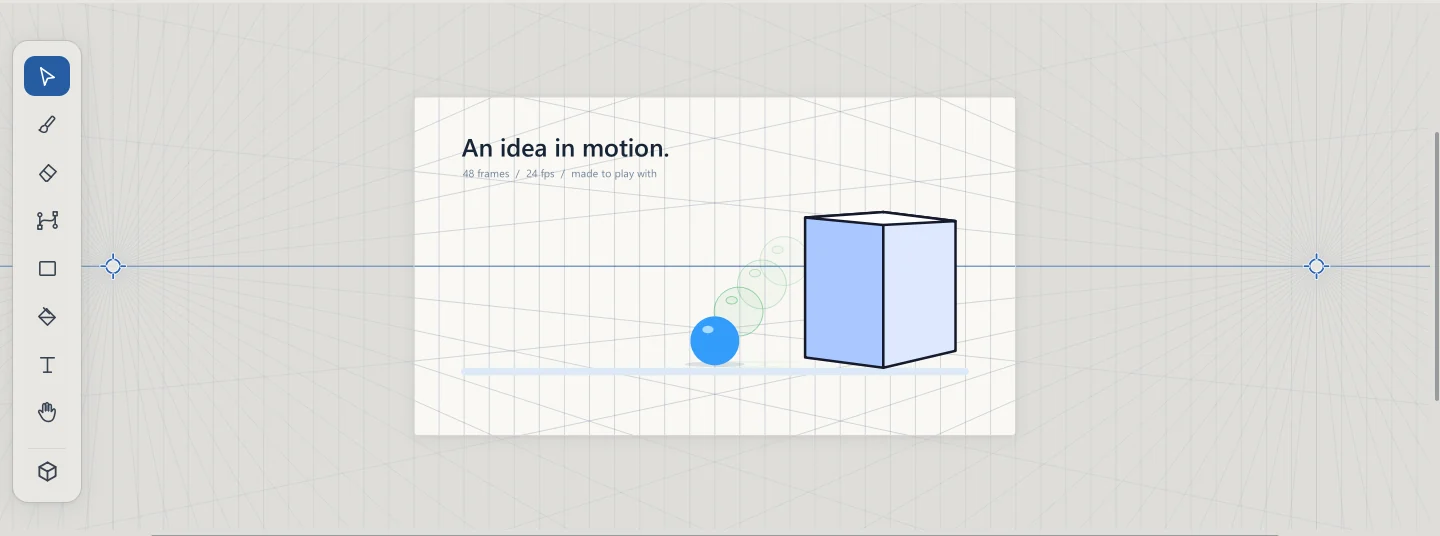
True perspective.
Grids with one, two and three vanishing points, free points, dimetric and cavalier. Drag the horizon and every line follows its vanishing point.
Drawing and 2D animation with your signature.
Recorded in the editor, frame by frame.
Grids with one, two and three vanishing points, free points, dimetric and cavalier. Drag the horizon and every line follows its vanishing point.
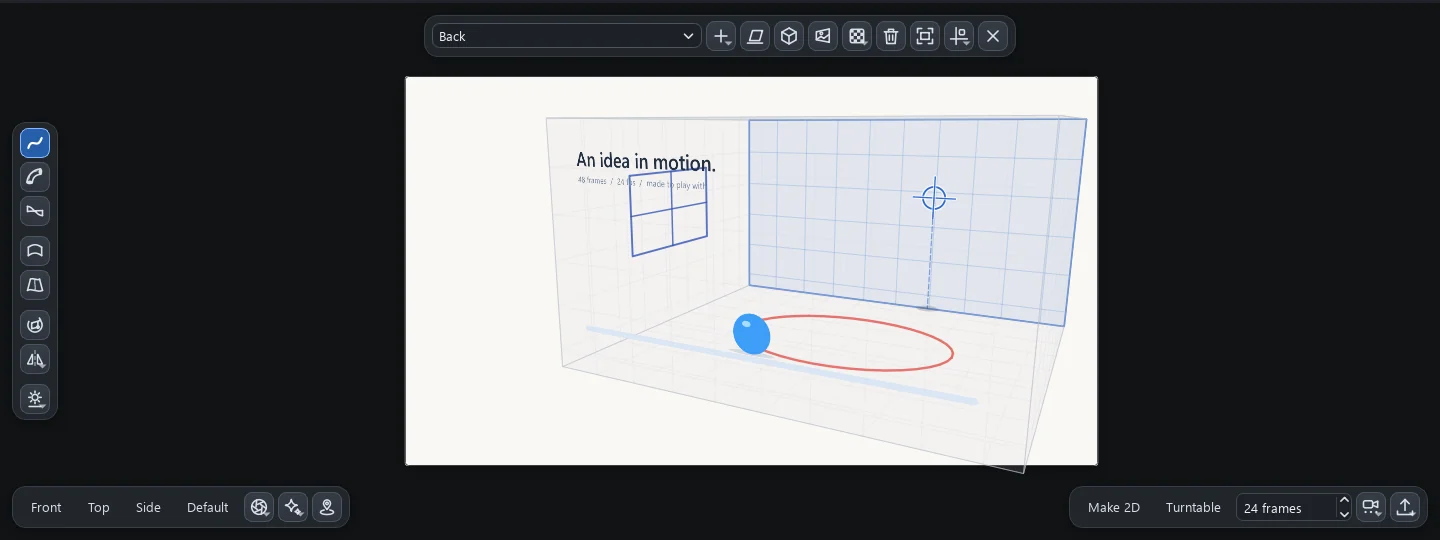
The 3D Scene stands your drawing up on a sheet you can turn around. Draw a line and a wall appears.
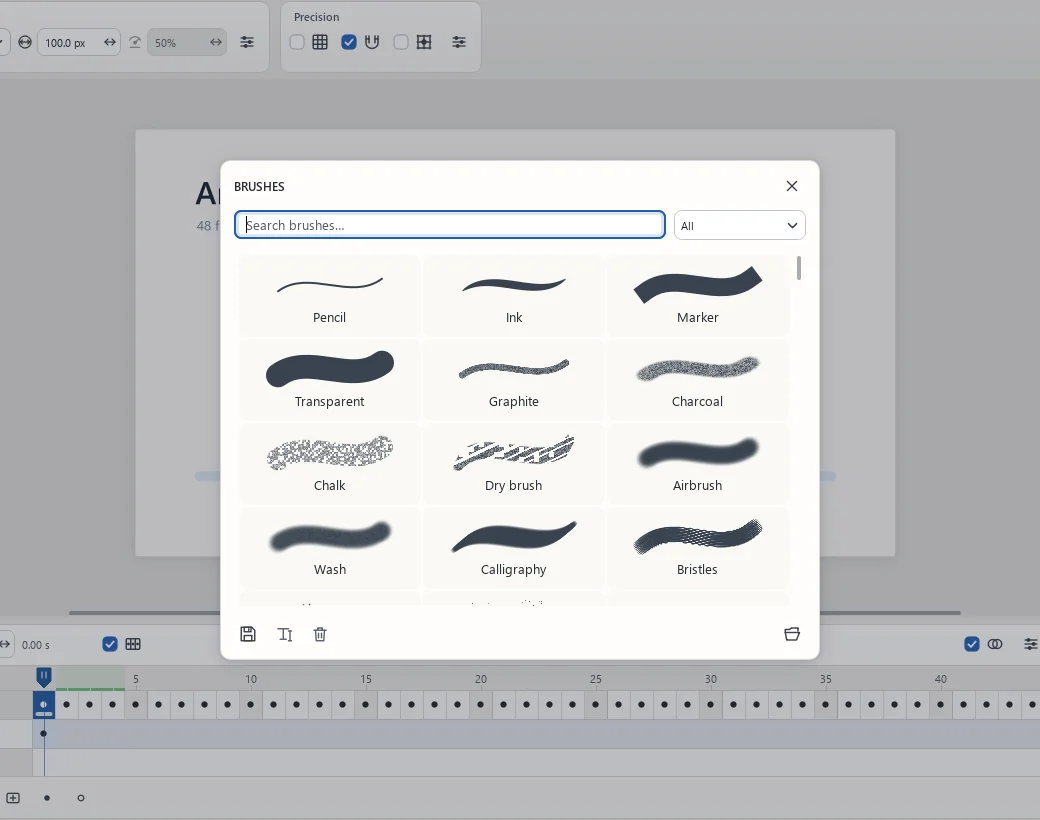
1528 brushes and 1955 fonts, with search and categories.
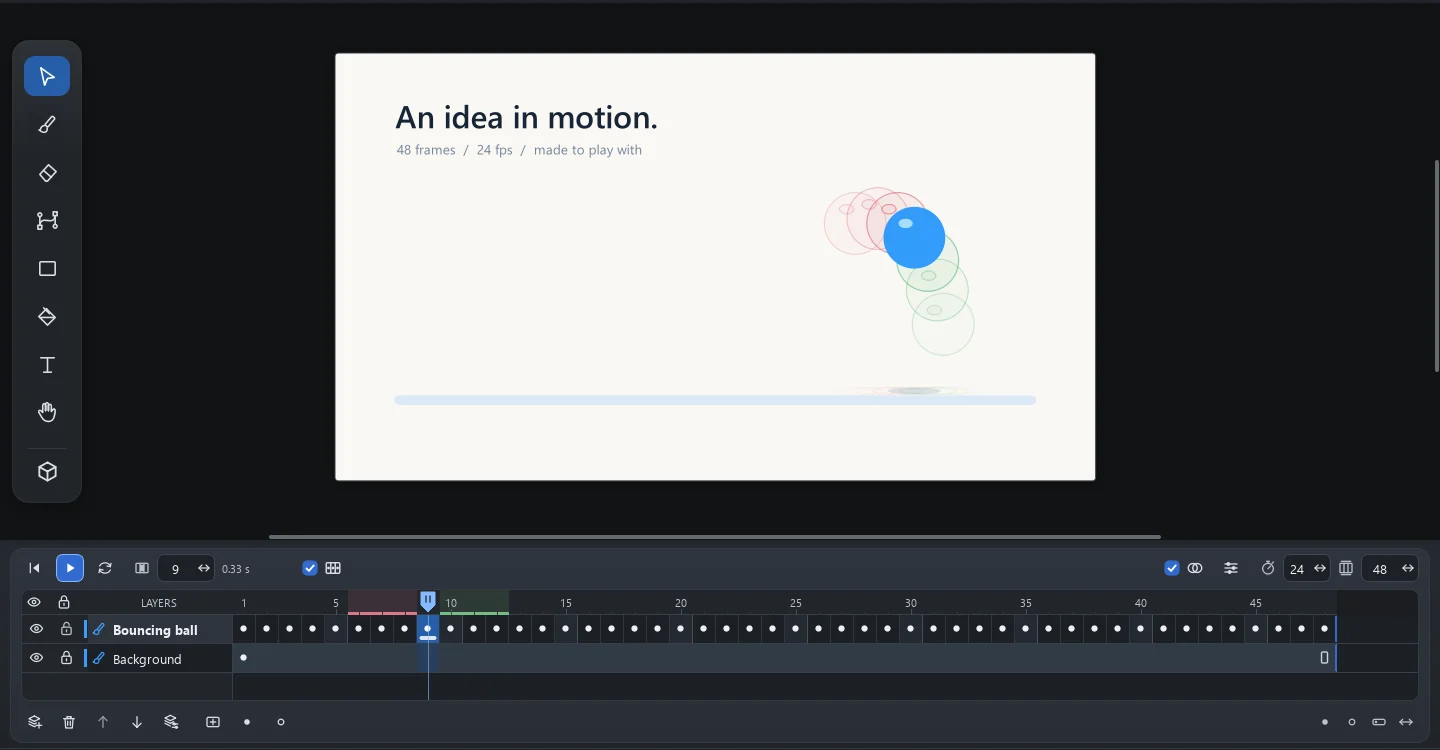
Drag frames, let inertia swing the hair and bend with the mesh. Everything comes back with Ctrl+Z.
A browser demo of Warp with a mesh, a tool of the editor.
Vector curves, 144 frames, one loop that closes on itself.
Editable projectA character, a spark, an idea that will not sit still.
Illustrative studies created for this page. Explore the eight frames of each piece.
Pick a color. Make a mark. See where it takes you.
This little sketchbook lives only on this page. In Zyggs, explore brushes, vectors and layers.
Find your strokeExplore colors, test combinations and prepare your images. Free.
The editor is on Windows, the Mac and Linux.
A subscription covers one computer. See every version and what changed
Start with 7 days of Advanced, no card. Then subscribe on the site and cancel any time. Prices in US dollars.
| Compare the plans | ||
|---|---|---|
| Frame-by-frame drawing and animation, with onion skin | ||
| 1528 brushes, vectors and pixel art | ||
| Perspective grids, rulers and guides | ||
| Nine papers: watercolour, kraft, canvas and moreNew | ||
| Exports PNG, JPEG, GIF, MP4, SVG and PDF | ||
| Cloud space for your projects | 2 GB | 10 GB |
| 3D scene: draw on sheets in space and turn 360°New | ||
| 3D forms with light, shadows, lenses and a live mirrorNew | ||
| Camera moves and fog, glow and focus effectsNew | ||
| Exports GLB, OBJ and USDZ for augmented realityNew | ||
| Mesh warp and inertia for lifelike motion | ||
| Computers per subscription | 1 | 1 |
| Explore the tools | See 3D in the editor |
Need more cloud space? Packs of +10 GB for $1/month and +50 GB for $3/month, on the same invoice as your plan.
Cancel any time from your panel: the plan lasts until the end of the paid period. The editor is on Windows, the Mac and Linux.
Notes on motion, color and the pleasure of creating.
The drawing shows the shape. The spacing reveals the intention.
A small palette can give your drawing a stronger presence.
Some of the best decisions appear before the finishing touches.
Clear answers to help you choose.
You can already subscribe here on the site, with secure payment without leaving the page. The editor is on Windows (on ARM too), on Macs with Apple silicon and on Linux.
Basic is the whole 2D studio: frame-by-frame drawing and animation, brushes, vectors, pixel art, nine papers and every export, MP4, SVG and PDF included. Advanced adds 3D: the scene with sheets and forms in space, light and shadows, camera moves, GLB, OBJ and USDZ export for augmented reality, plus mesh warp and inertia.
The current yearly totals are shown in the plans. The monthly equivalent is for comparison. Any saving is calculated from the current monthly and yearly prices.
Yes, from your panel, at any time. When you change, the difference is worked out from the days left. When you cancel, the plan lasts until the end of the paid period and nothing else is charged.
You can draw with a mouse. A compatible pen enables pressure on brushes that support it. Platform availability will be confirmed at launch.
Yes, as long as you keep the .zyggs project. It preserves layers and frames. Exported images and videos do not replace the editable file. Older .inkolt and .acanim projects can also be opened.
Yes, in both plans: GIF, PNG sequence and MP4 video with H.264. The MP4 uses the project’s frame rate and carries no audio or transparency.
No. Zyggs is proprietary software: its source code is not distributed and may not be modified or redistributed. The drawings and projects you make with it are yours.
Basic includes 2 GB and Advanced 10 GB; packs of +10 GB and +50 GB go on the same invoice as the plan. You get an e-mail at 80% and at 95%. If the space runs out, nothing is deleted: the app keeps saving on your computer, and the cloud copy starts again by itself once there is room. Without a plan, your files stay available to download.
You can import image tips in formats accepted by the dialog and create presets. Photoshop .abr files are not supported in this version.
Guides to get started. People to share ideas with.

Drawing and 2D animation with your signature.
See pricing